何かしらの理由でiOSシミュレーターのキーチェーン情報を削除したい時のためのメモ
シミュレーターのUUIDを取得
1 | xcrun simctl list | egrep '(Booted)' |
ファイル確認
キーチェーン情報はSQLiteのファイルとして保存されている
パス:~/Library/Developer/CoreSimulator/Devices/(シミュレーターのUUID)/data/Library/Keychains
ファイル名:keychain-2-debug.db
1 | la ~/Library/Developer/CoreSimulator/Devices/(シミュレーターのUUID)/data/Library/Keychains |
ファイルを開く
- sqlite3で開く
1 | sqlite3 ~/Library/Developer/CoreSimulator/Devices/(シミュレーターのUUID)/data/Library/Keychains/keychain-2-debug.db |
TablePlusで開く
TablePlusのインストールはbrew install --cask tableplus
1 | open ~/Library/Developer/CoreSimulator/Devices/(シミュレーターのUUID)/data/Library/Keychains/keychain-2-debug.db |
情報の削除
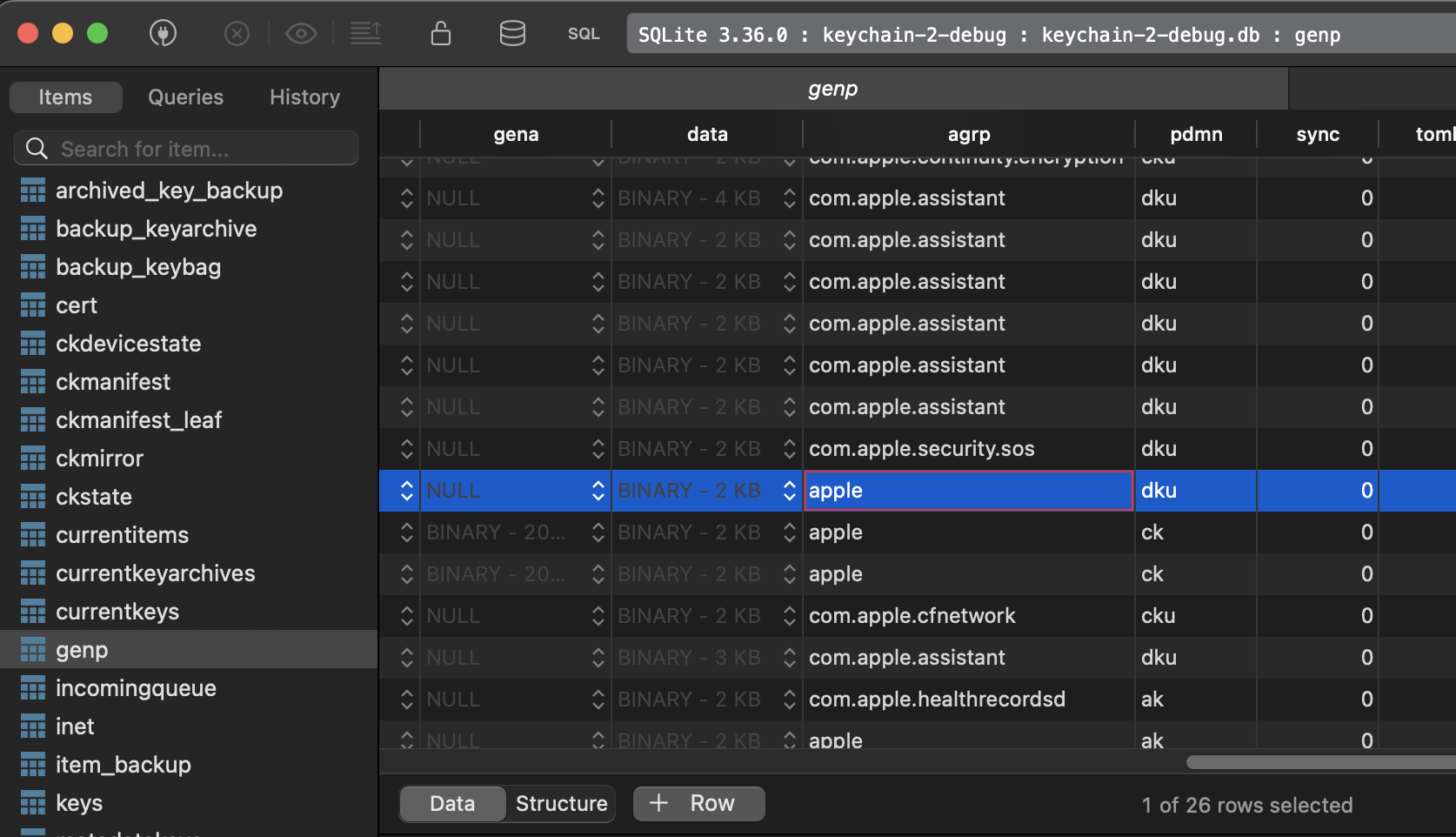
キーチェーン情報はテーブルgenpに保存されて、カラムagrpに書き込んだアプリのバンドルIDがあるのでそこを参考に削除可能
1 | SELECT rowid, agrp FROM genp; |
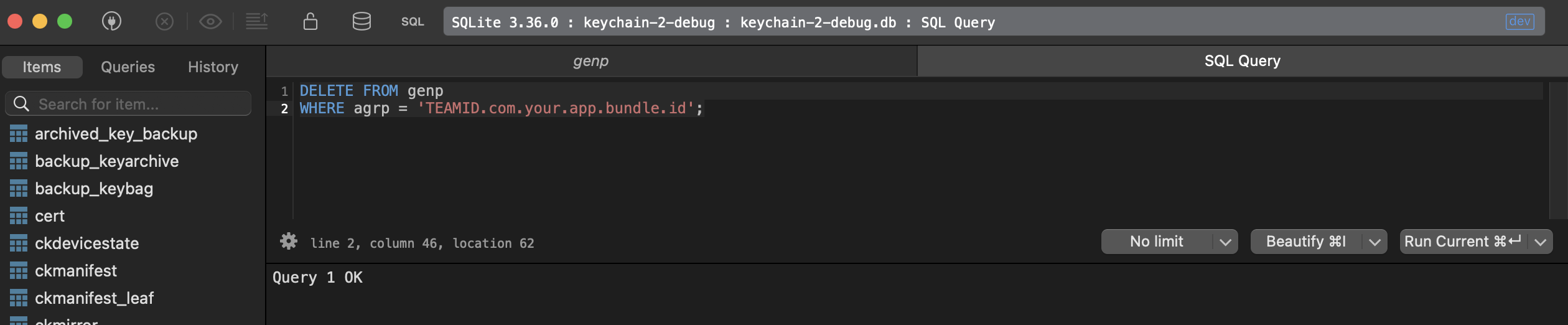
1 | DELETE FROM genp WHERE agrp = 'TEAMID.com.your.app.bundle.id'; |